Chibi Photo Generator
Turn Your Photo Into Cute Chibi Art
Upload a photo, choose the Chibi style, or try a sample first.
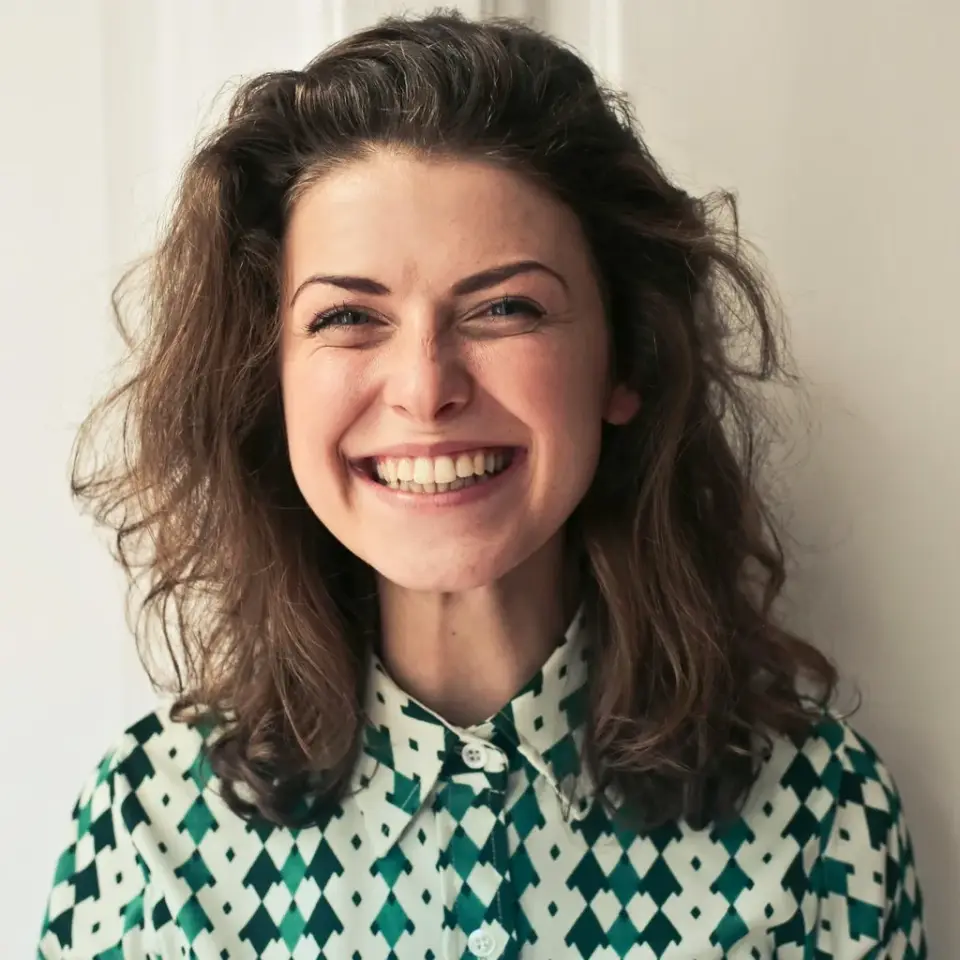
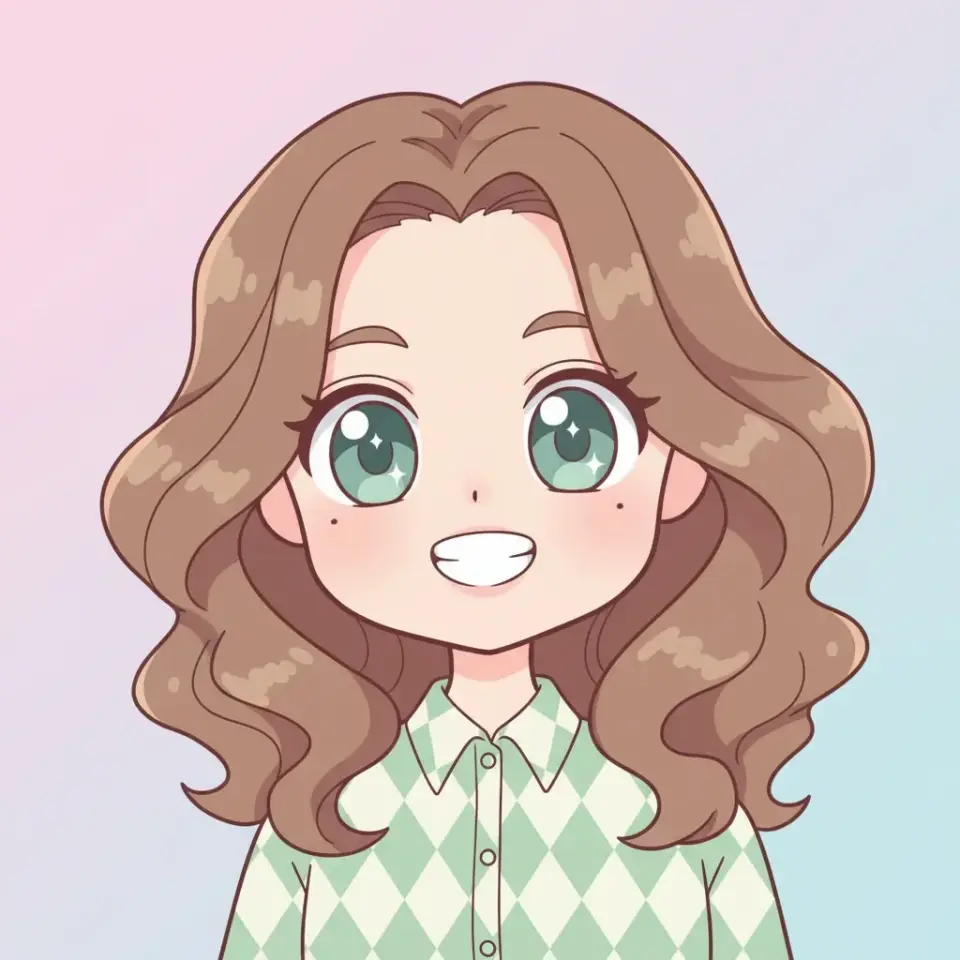
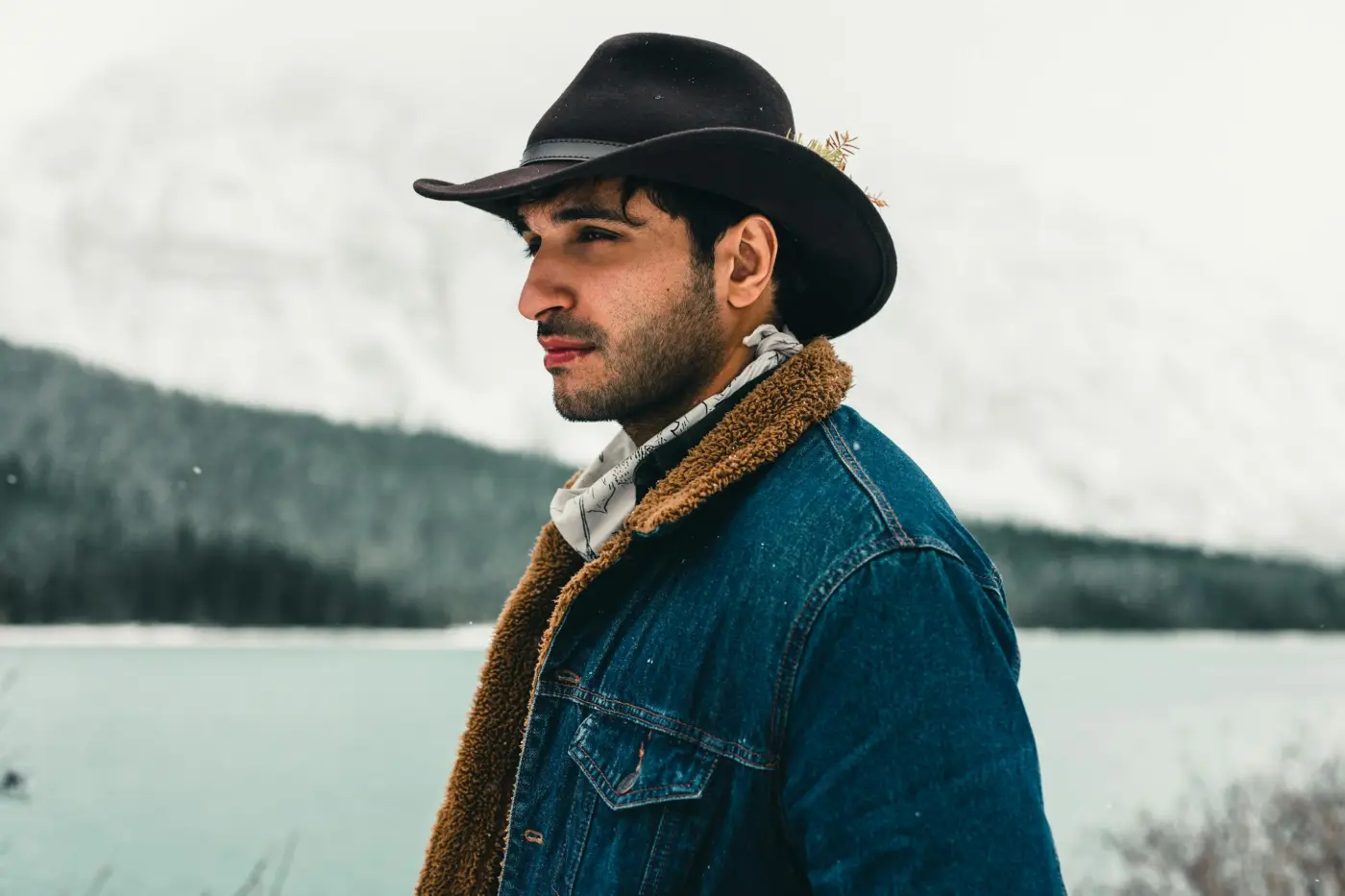
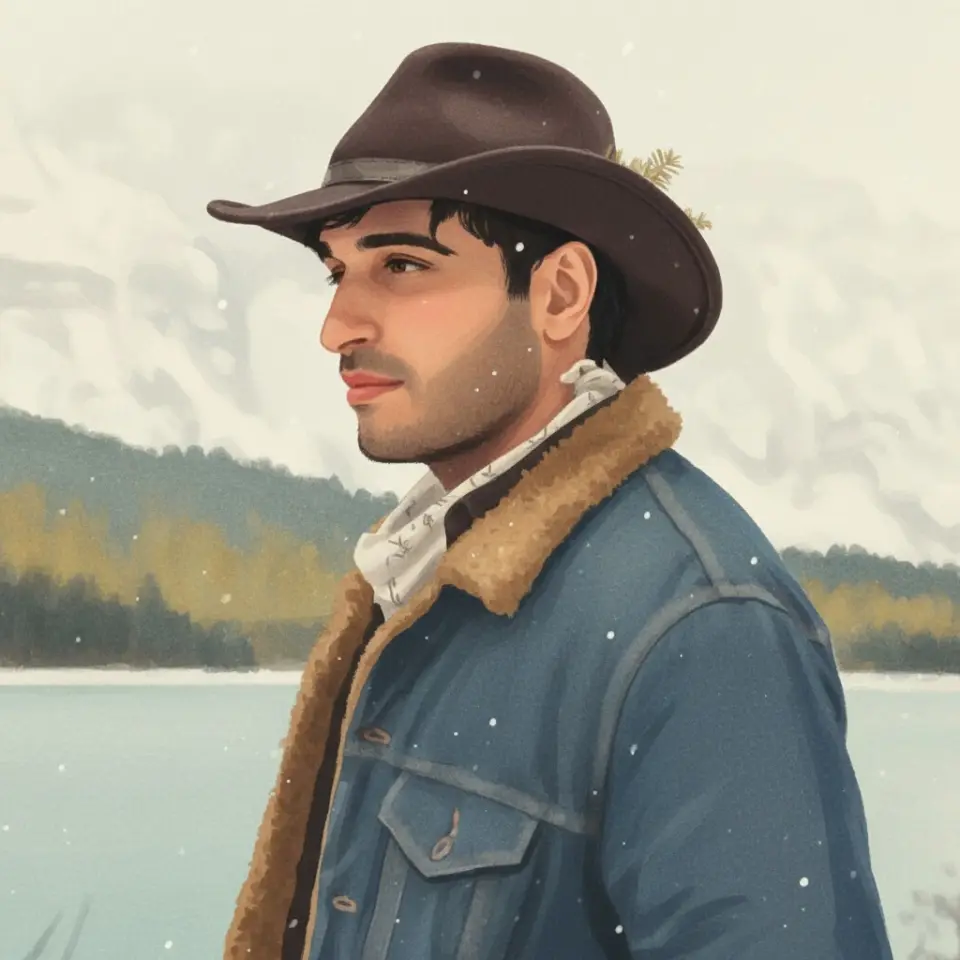
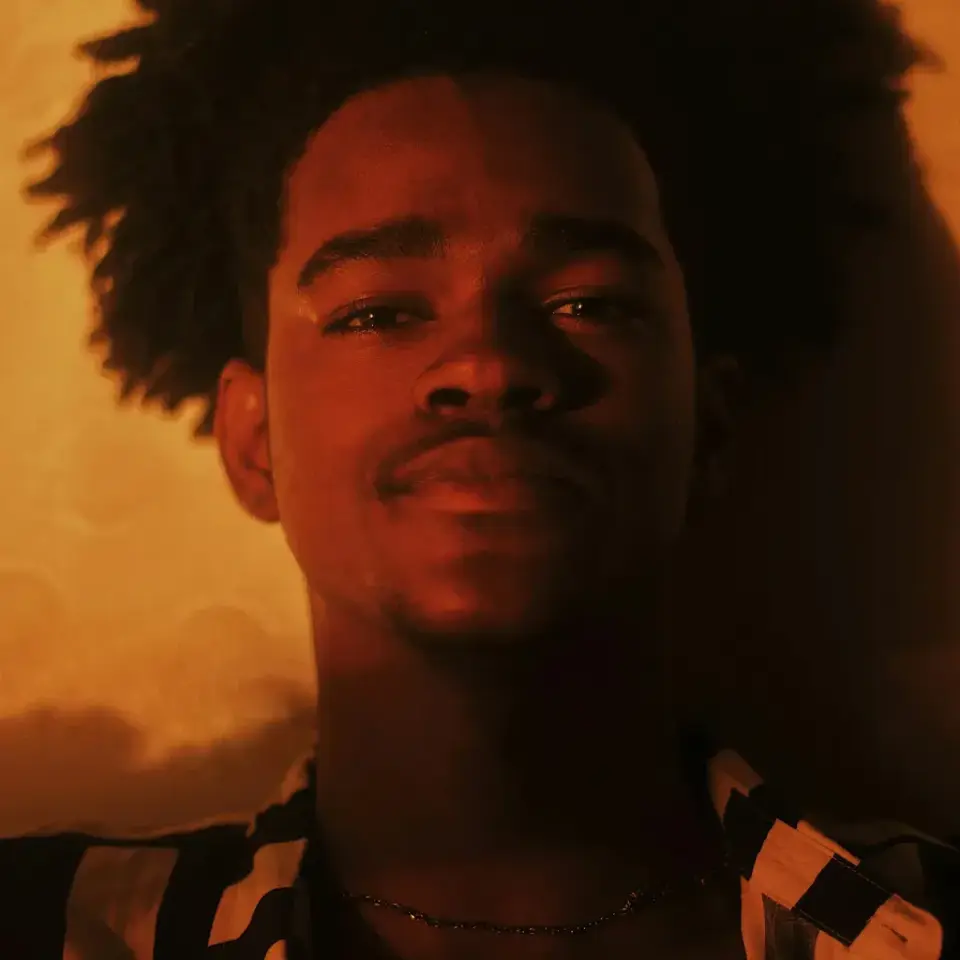
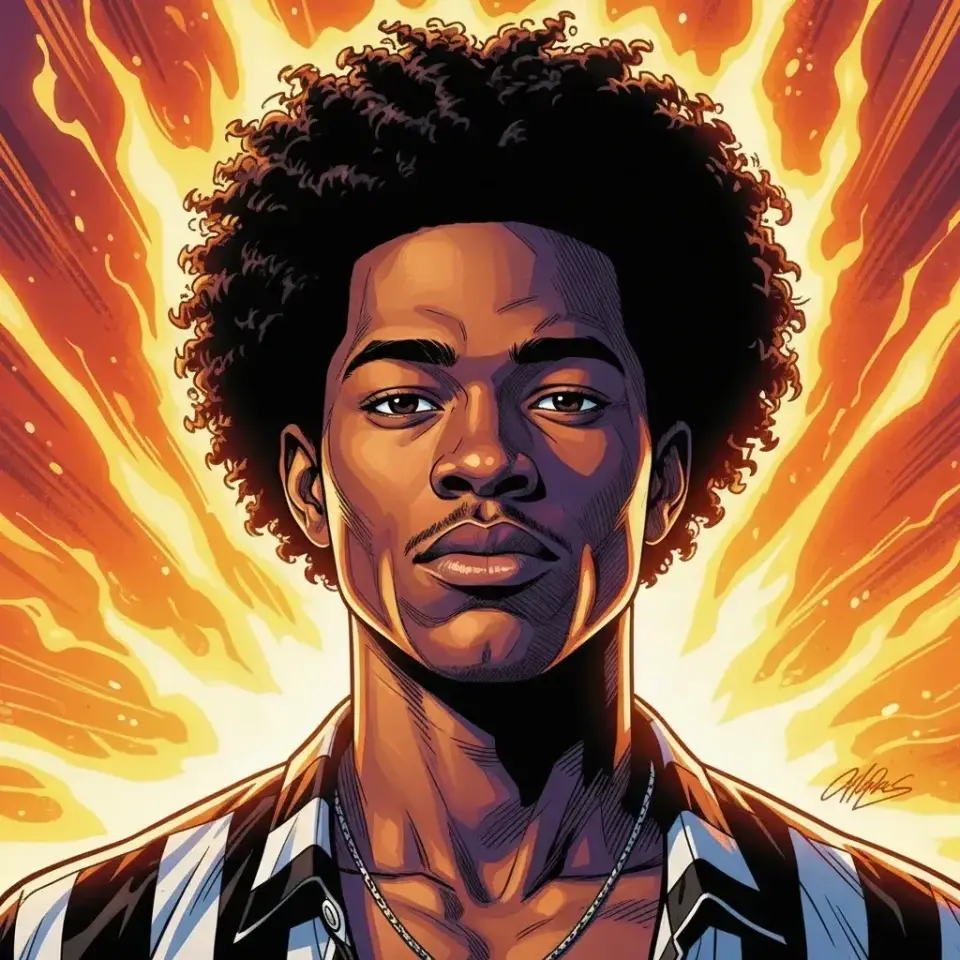
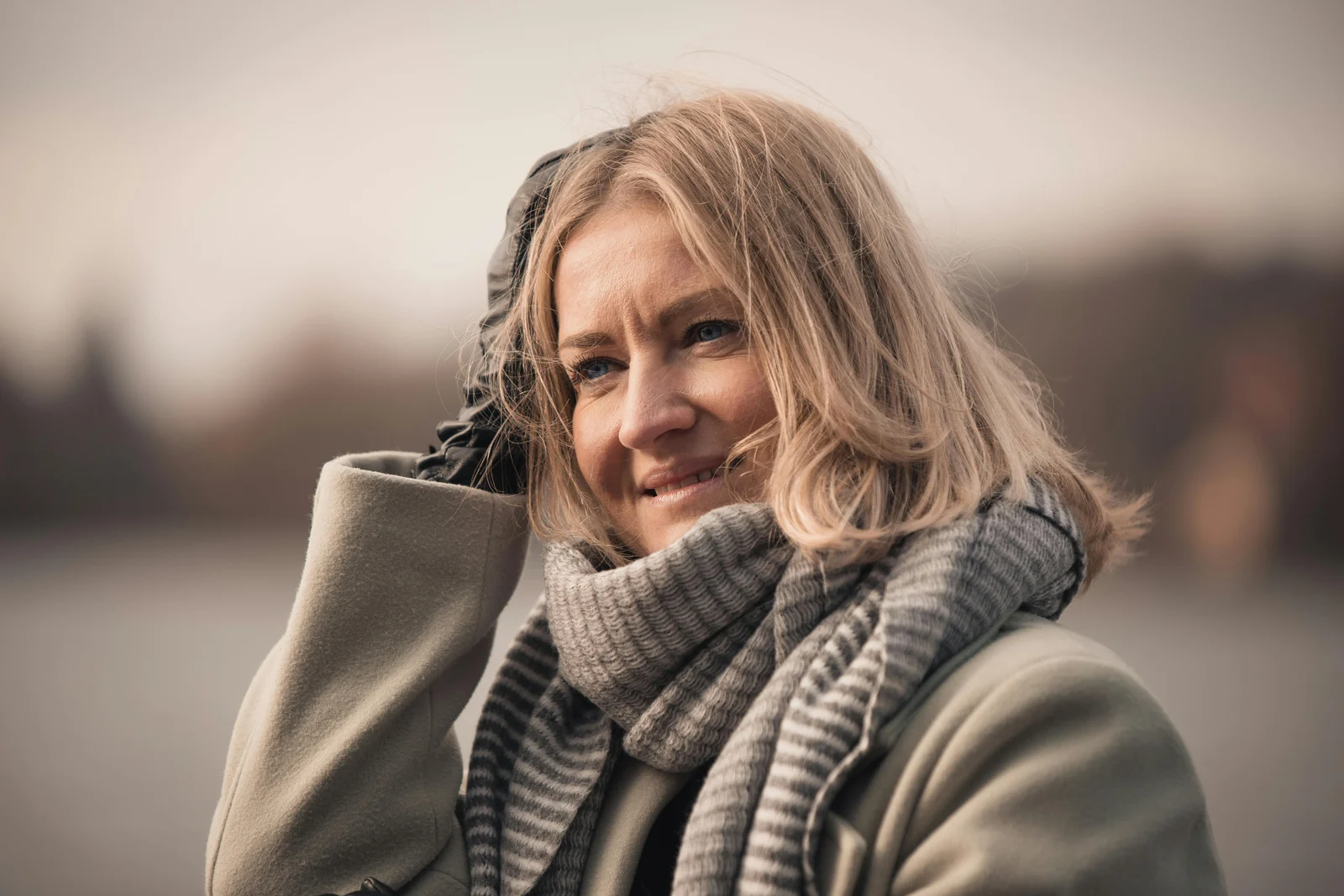
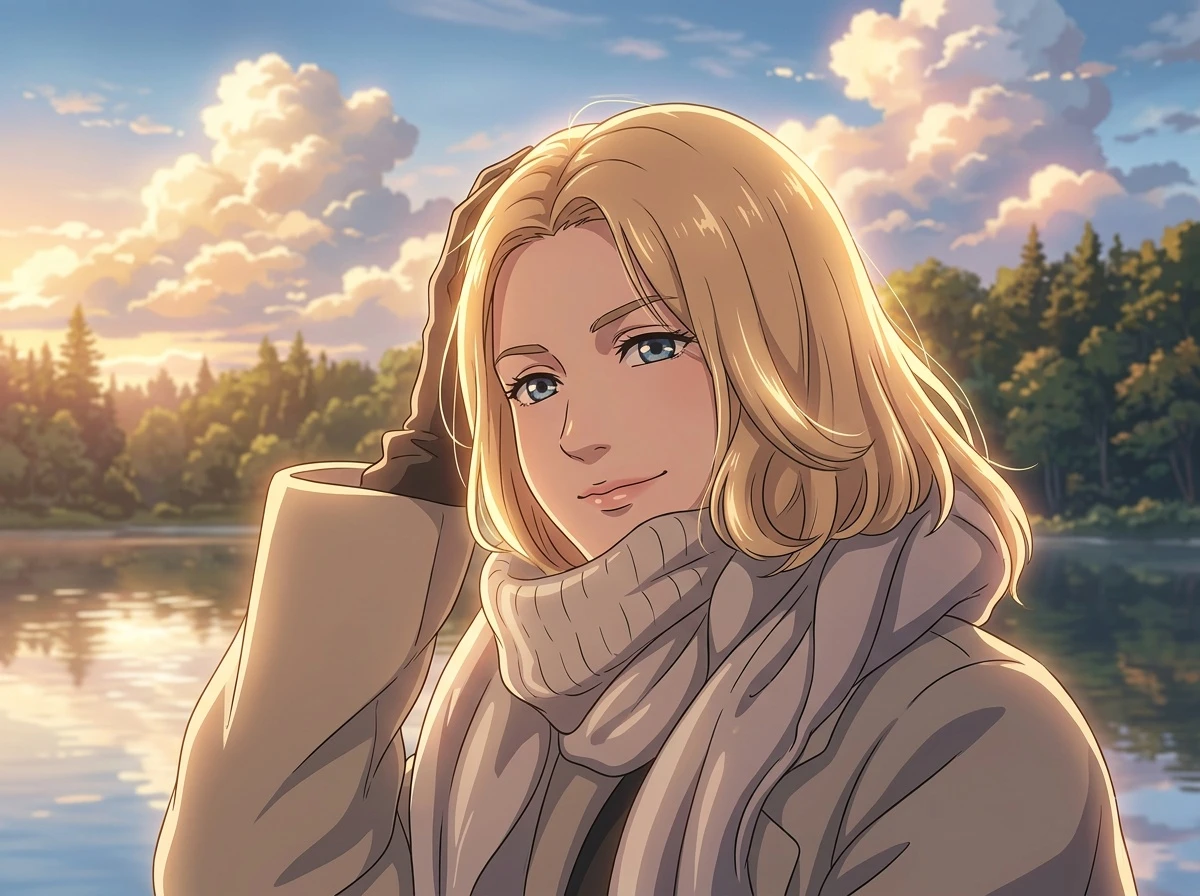
What Photos Work Best for Chibi Style?
This page is written for users who specifically want chibi style results. Start with portraits, pets, couple photos, or simple landscape scenes that have a clear focal point and enough detail to keep the final chibi image recognizable.
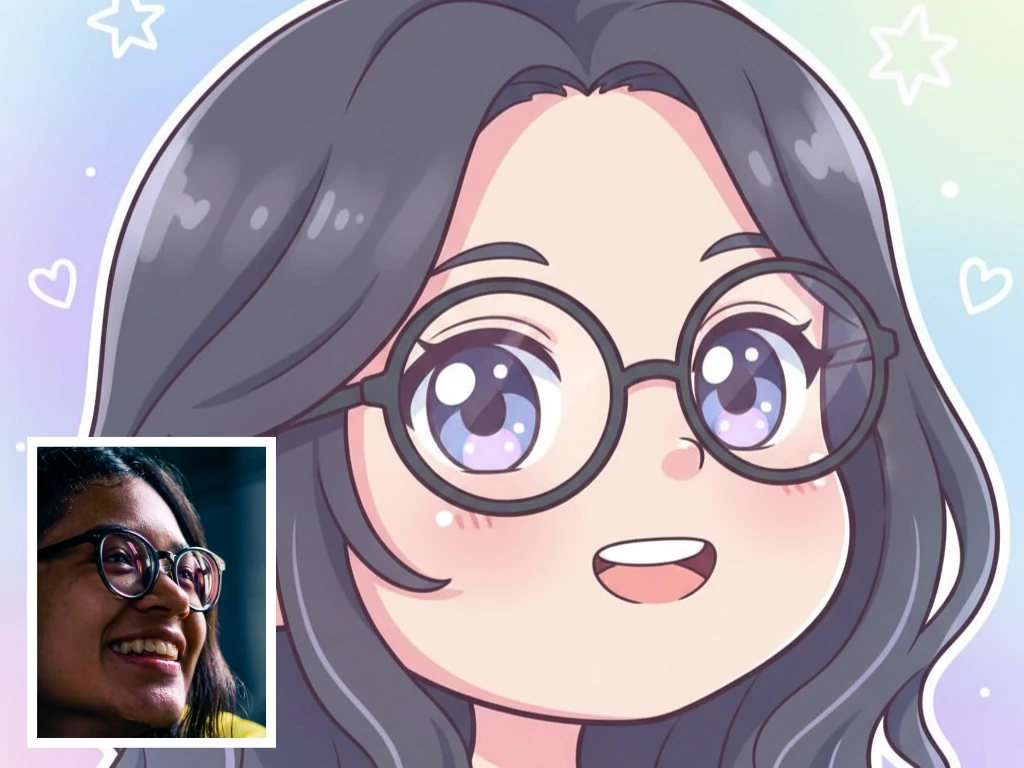
Chibi Style Portraits and Selfies
Front-facing portraits and clean selfies work especially well for chibi style conversion when you want a recognizable chibi avatar with exaggerated cute proportions and a softer sticker-like finish.
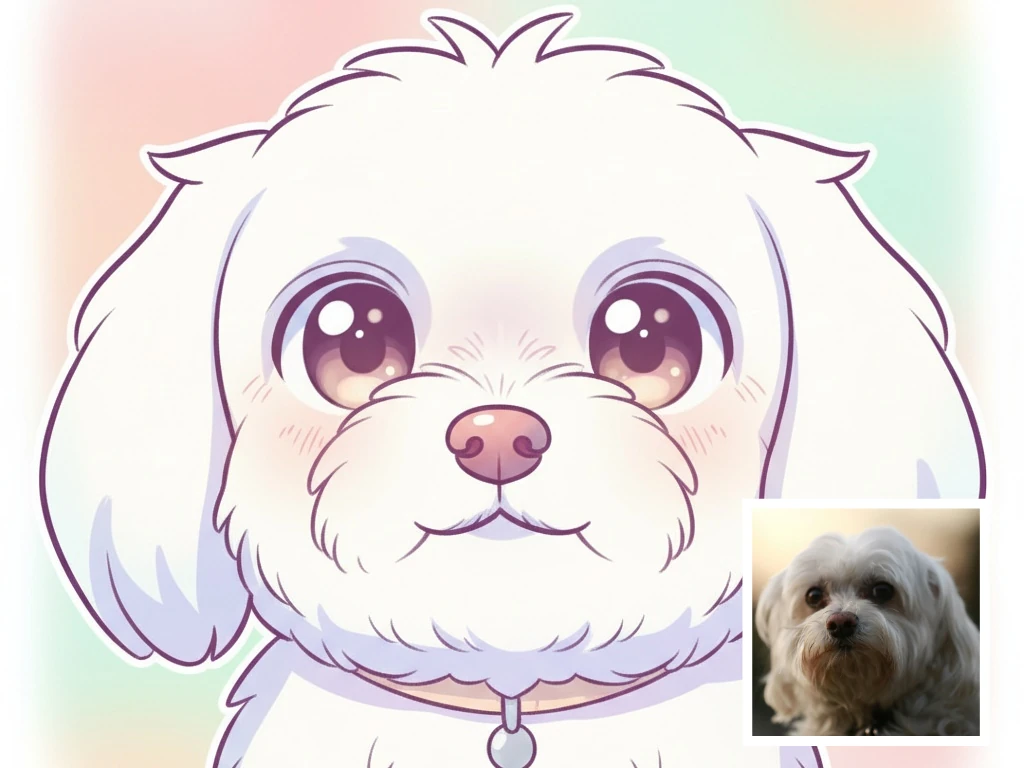
Chibi Style Pets and Animal Photos
Cats, dogs, and other pets can convert cleanly into chibi style art when the subject is easy to separate from the background and the final image needs a playful chibi-style feel.
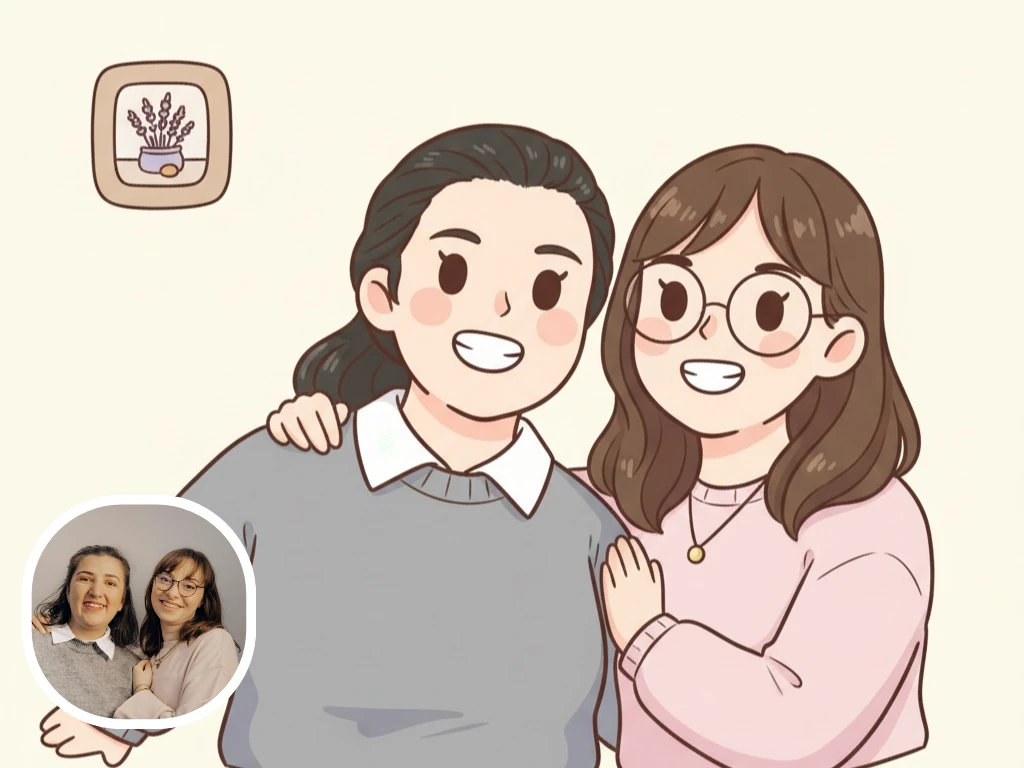
Chibi Style Couple and Friendship Photos
Simple two-person photos are a good fit for chibi style scenes when you want a cute, giftable, or memory-friendly chibi-style version of a shared moment.
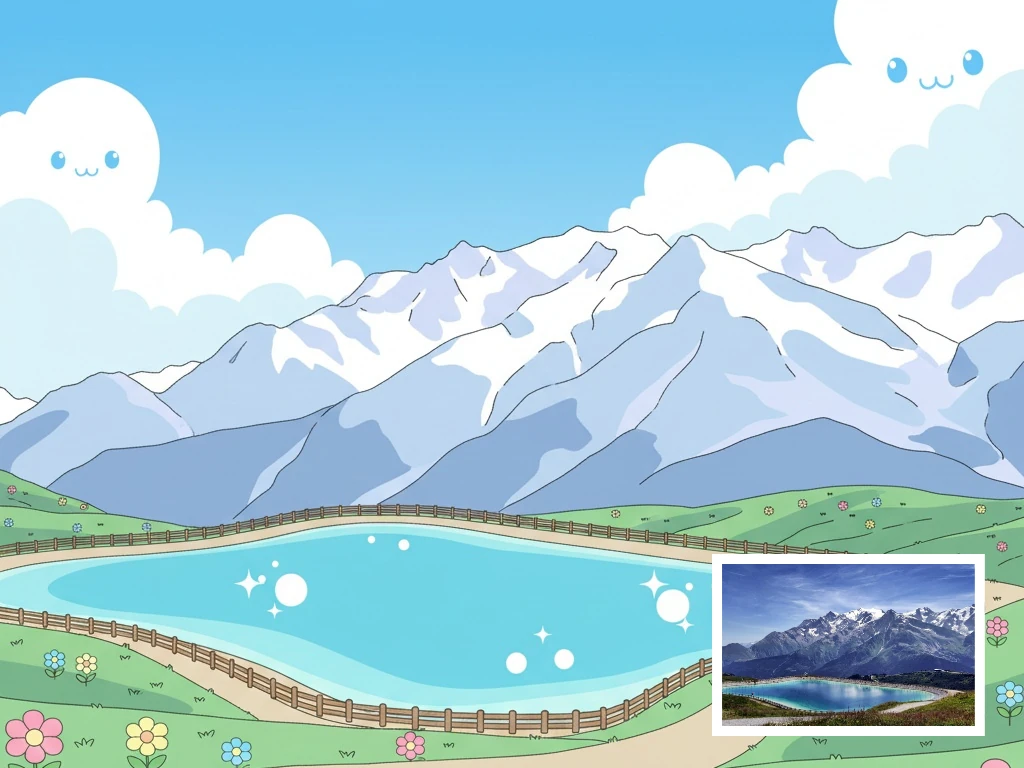
Chibi Style Landscape Scenes
Landscape and travel photos can also work for chibi style when the composition is clear and the main focal point stands out, making them useful for cute scene-based illustrations and stylized travel memories.
How to Turn a Photo Into Chibi Style Art
Start with one clear photo, keep the preset Chibi style, choose the output shape that fits your use case, and download a cute avatar-ready result.
Upload a clear photo
Start with a portrait, selfie, pet photo, or simple couple shot where the subject is easy to recognize and the background is not too busy.
Start with preset Chibi style
This page preselects the Chibi style so you land directly in the right visual direction without needing a separate chibi-only tool.
Adjust details and aspect ratio
Choose a square image for avatars, portrait for character art, or landscape for a cute scene. Add short details only when you want accessories, mood, or background cleanup.
Generate, preview, and download
Create your Chibi AI image, compare the result, then download the version that works best for profiles, gifts, stickers, or social posts.
Why People Choose Chibi for Photos
Chibi style is a strong fit when you want a photo to feel cuter, more recognizable, and more useful for avatars, gifts, or playful keepsakes.
Your result feels cute and still easy to recognize
A clear photo gives the model enough identity cues to keep the face, hairstyle, and overall vibe recognizable while shifting the result into a softer Chibi look.
Your photo becomes a better fit for avatars, gifts, and keepsakes
Chibi-style results work especially well for profile images, pet portraits, couple edits, and playful memory images because the proportions feel compact and friendly.
Best Uses for AI Chibi Images
Use Chibi style when you want your result to feel friendlier, cuter, and more giftable than a regular anime portrait.
- Social avatars and profile photos
- Cute pet portraits
- Couple keepsakes and gift-style images
- Stylized travel memories and scene art
- Sticker-like shareable art
Why This Page Starts With Chibi Style
You do not need to hunt for the right effect first. This page starts with Chibi selected so you can upload a photo and get to a Chibi-friendly result faster.
Make Your Photo Cute With the Chibi Preset
Upload a portrait, pet photo, or couple shot and start with Chibi selected by default.
Make My Photo ChibiChibi Style FAQ
Focused answers about which photos work best, how much setup you need, and what kind of Chibi result you can expect.
Ready to Make Your Photo Chibi?
Start with one clear photo and generate a cute, recognizable, downloadable Chibi-style result.
Upload a Photo and Make It Chibi