Photo to Anime Workflow
How to Turn a Photo Into Anime Online
See how to turn a selfie, portrait, pet photo, or couple photo into anime art with a simple photo-based workflow.
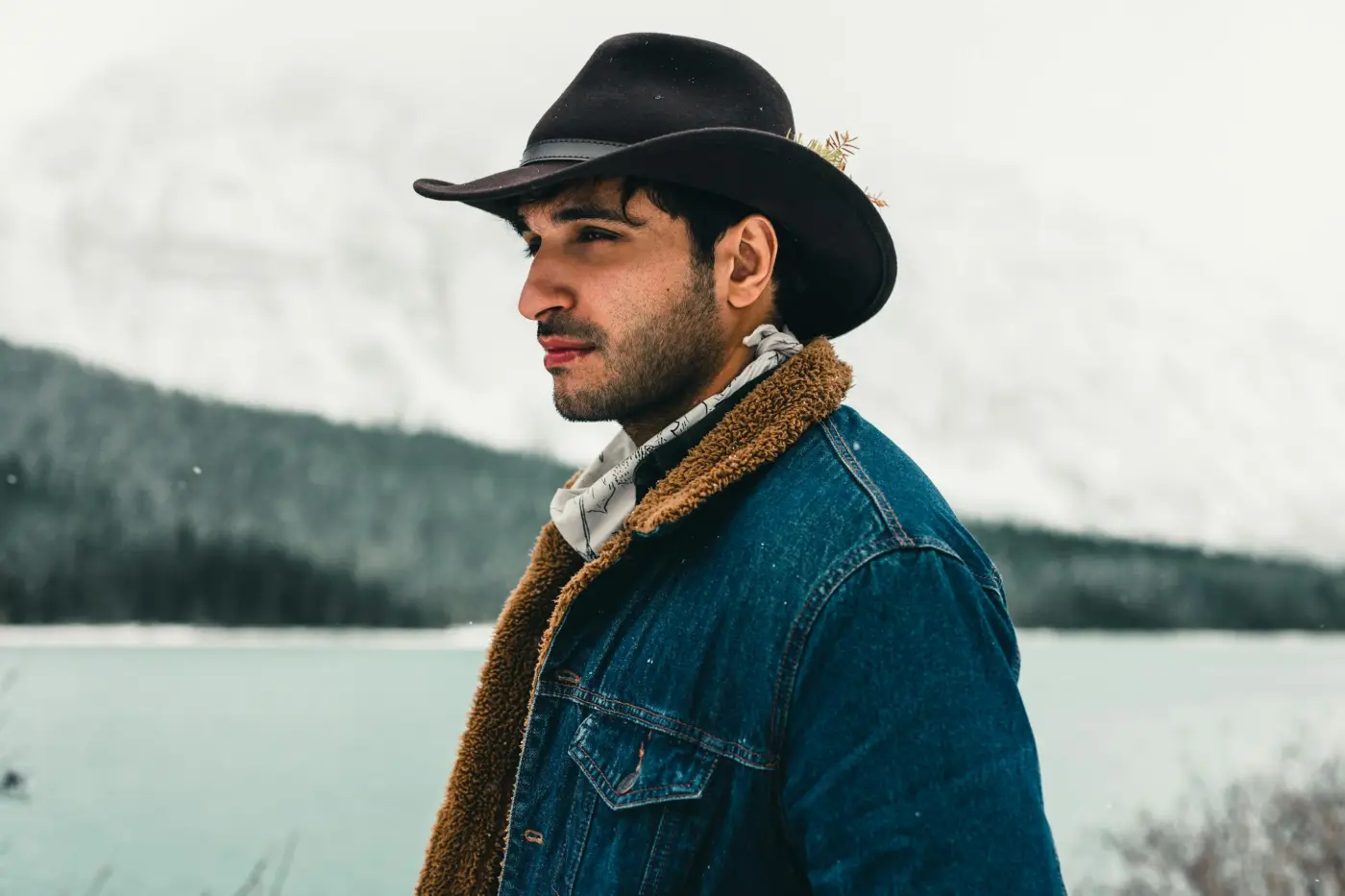
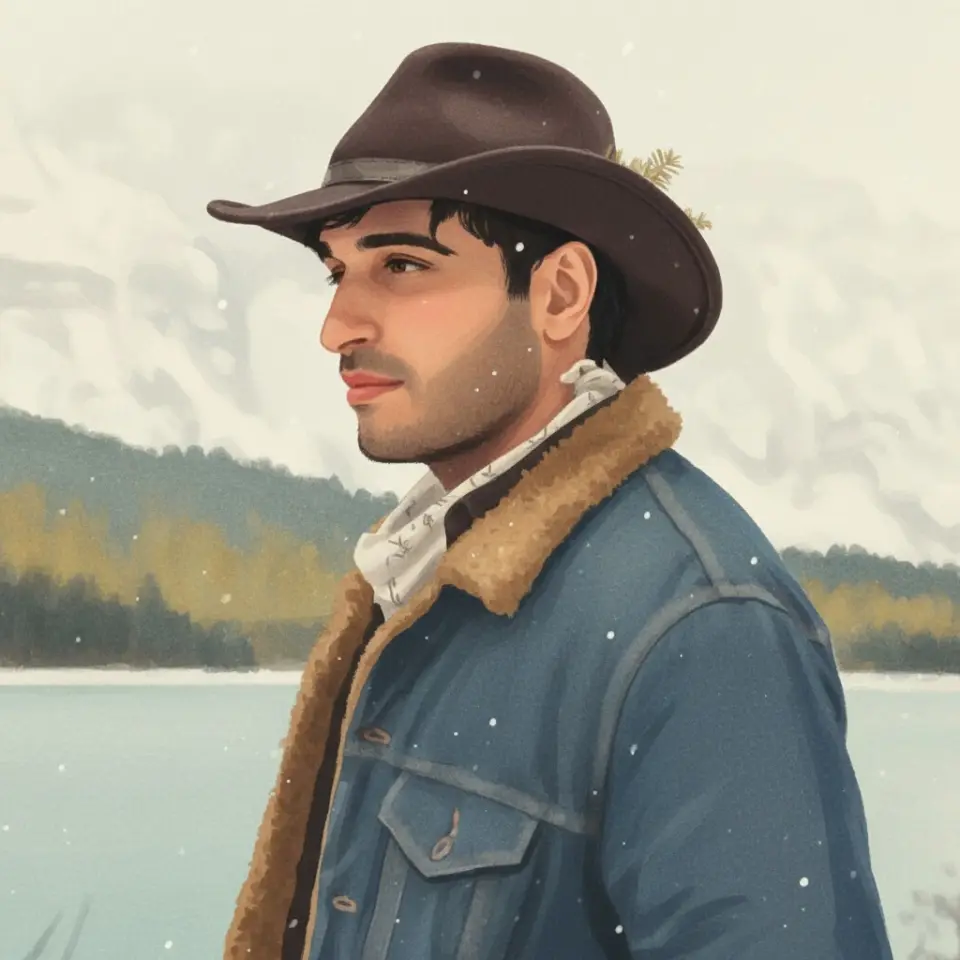
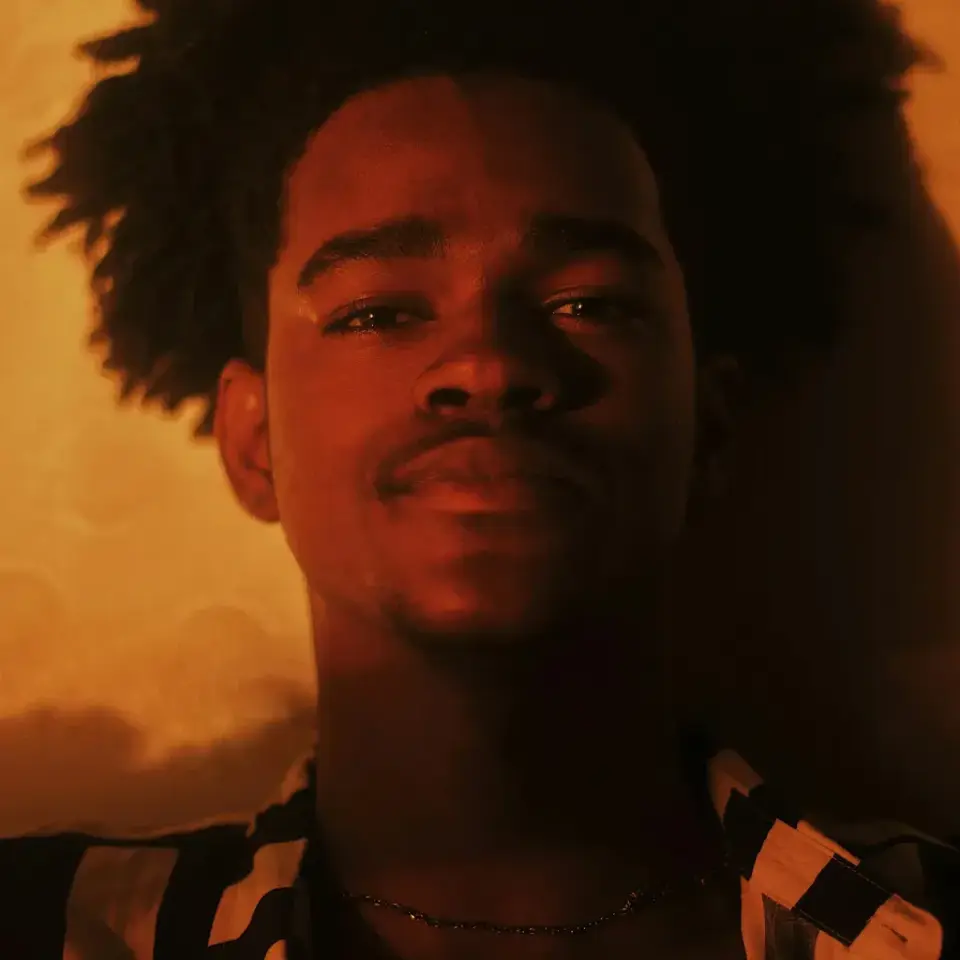
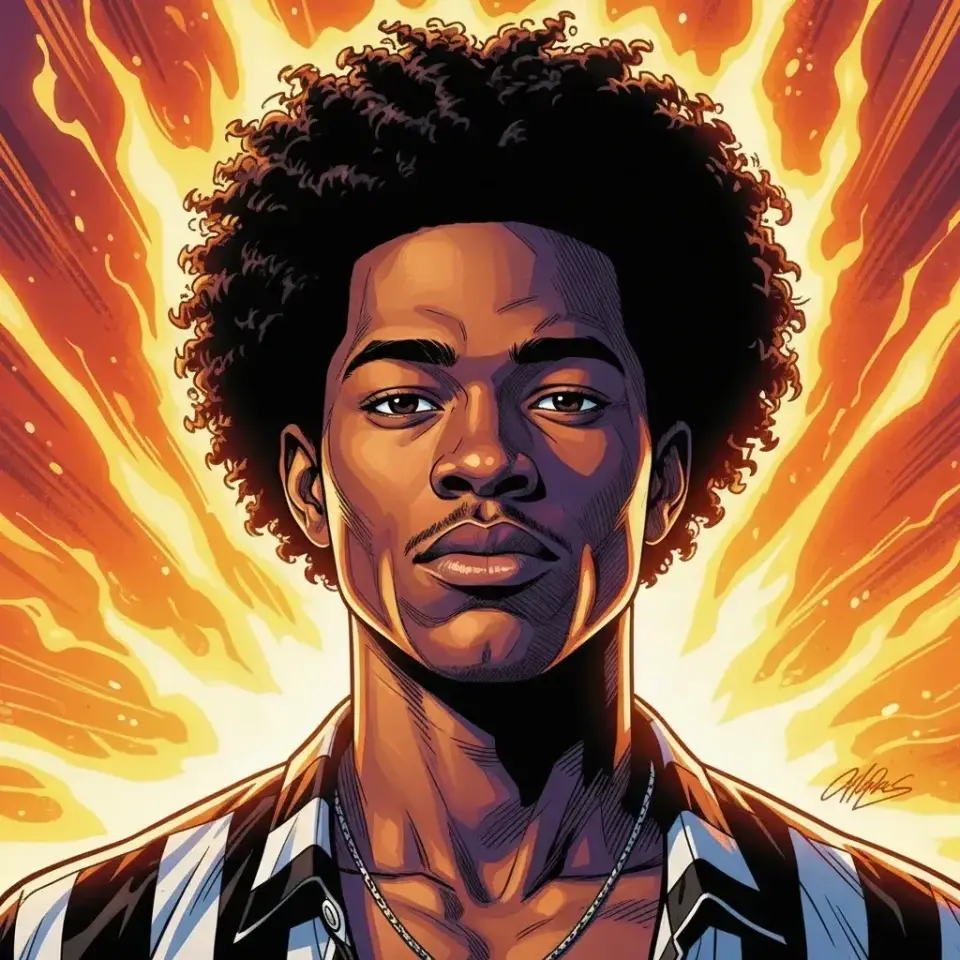
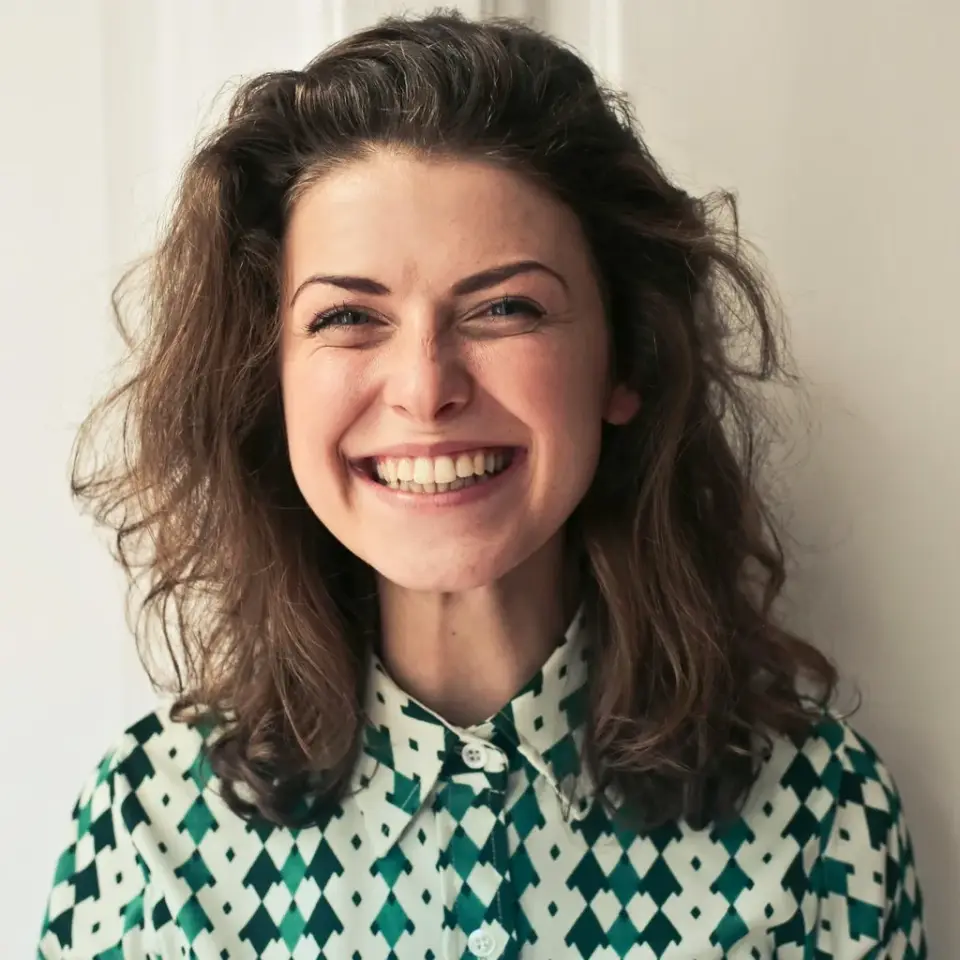
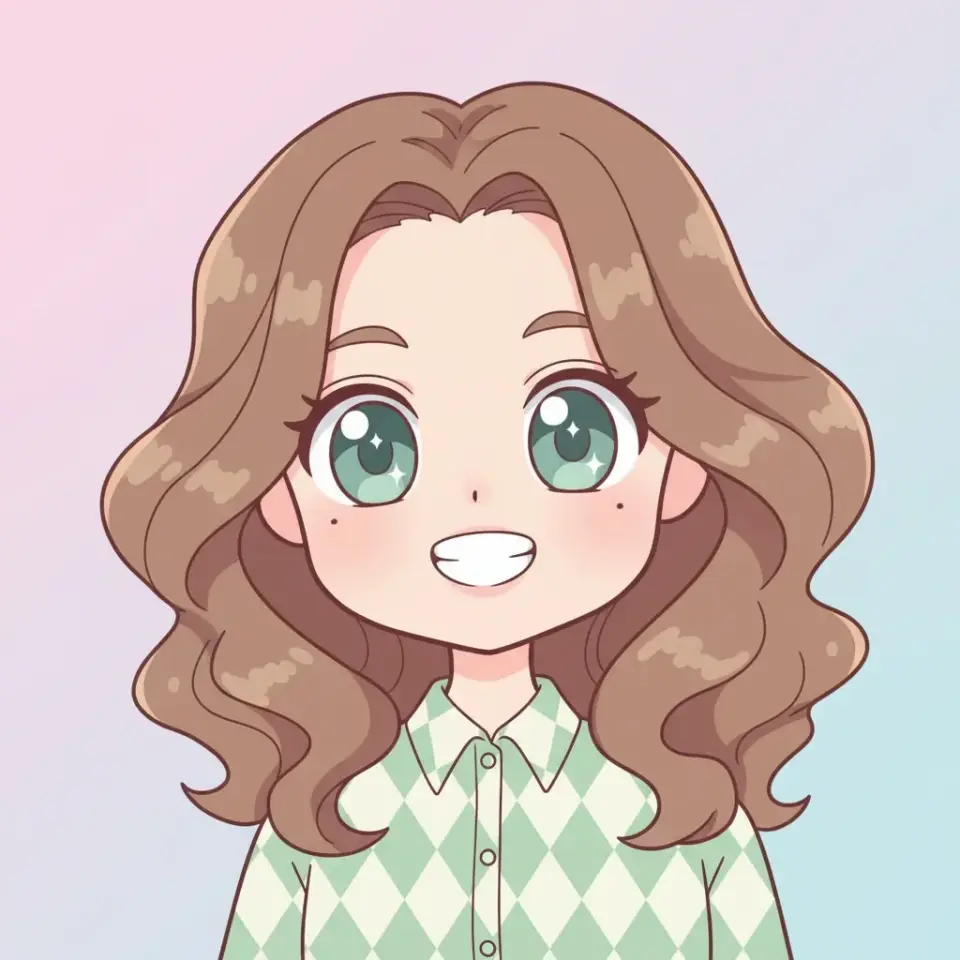
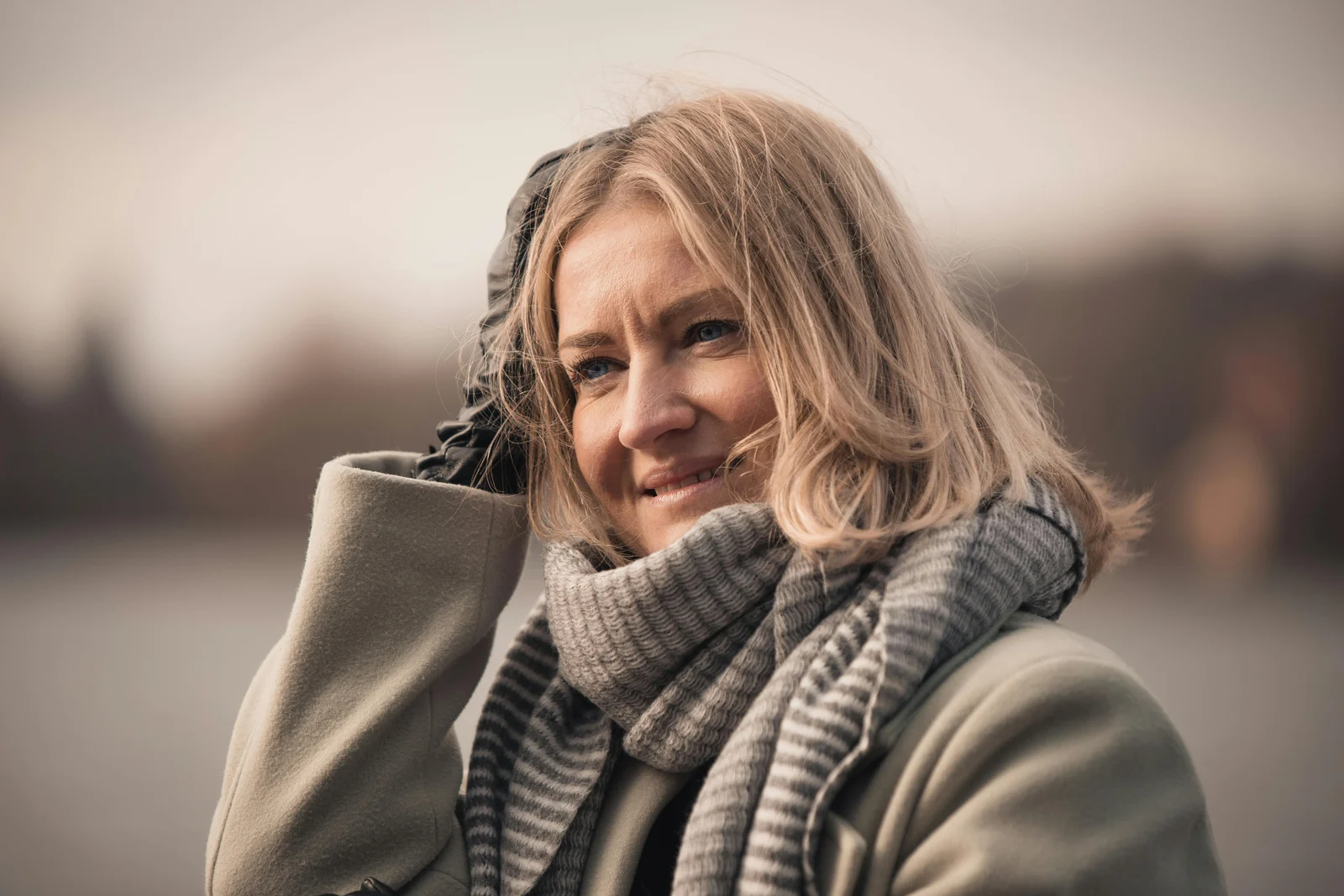
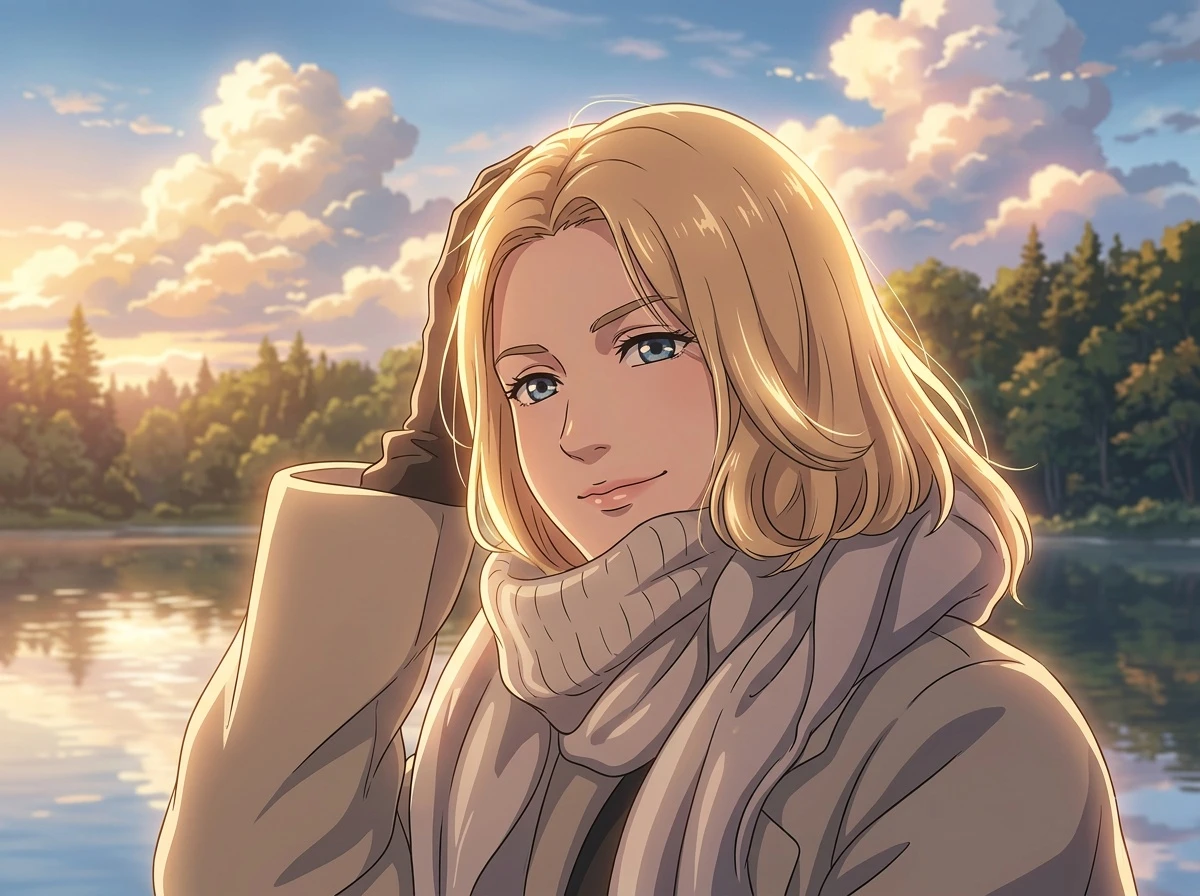
What Photos Can You Turn Into Anime?
People searching for a photo to anime converter usually want to know whether their selfie, pet photo, couple shot, or travel image will work. Start with the use case that matches your image, then move into the workflow below.
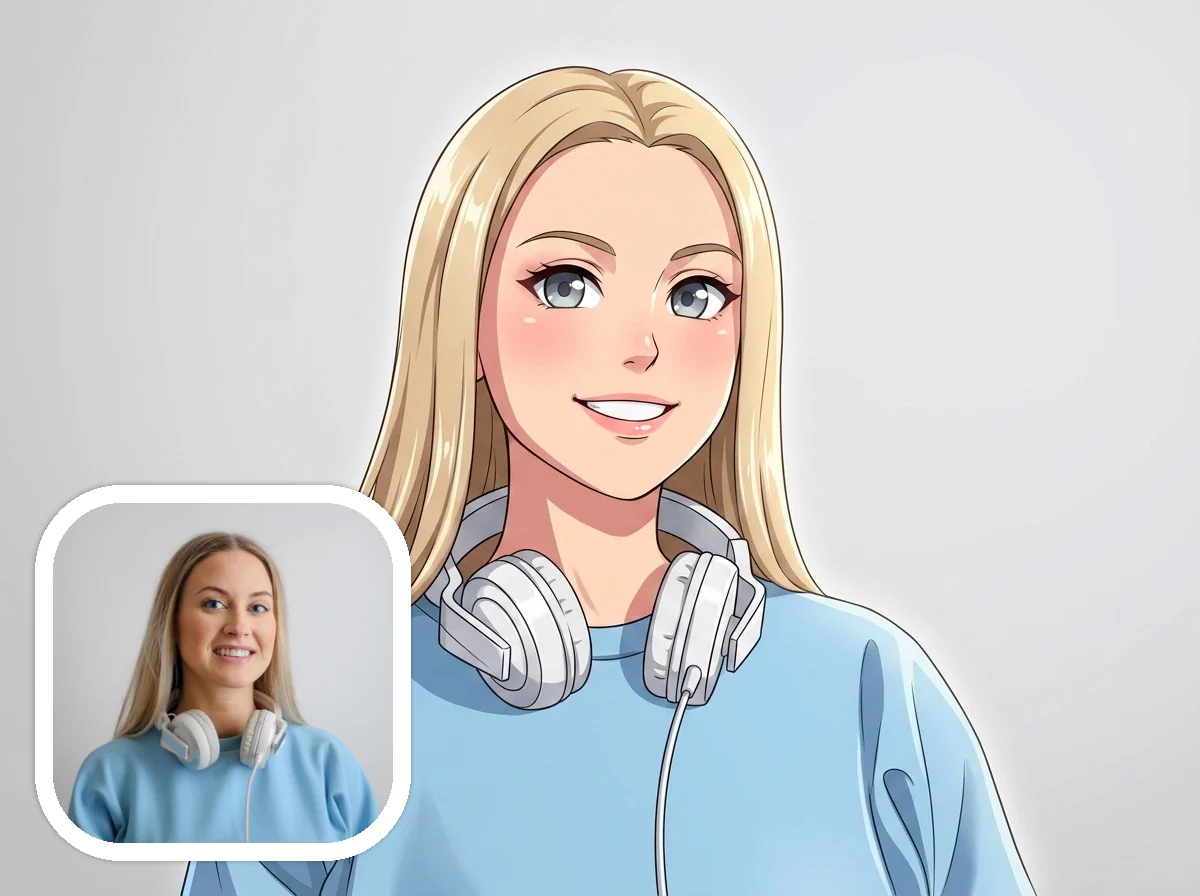
Turn Selfies Into Anime Portraits
A clear selfie or portrait is one of the strongest ways to turn a photo into anime art because the face, expression, and hair details are easier for the model to restyle cleanly.
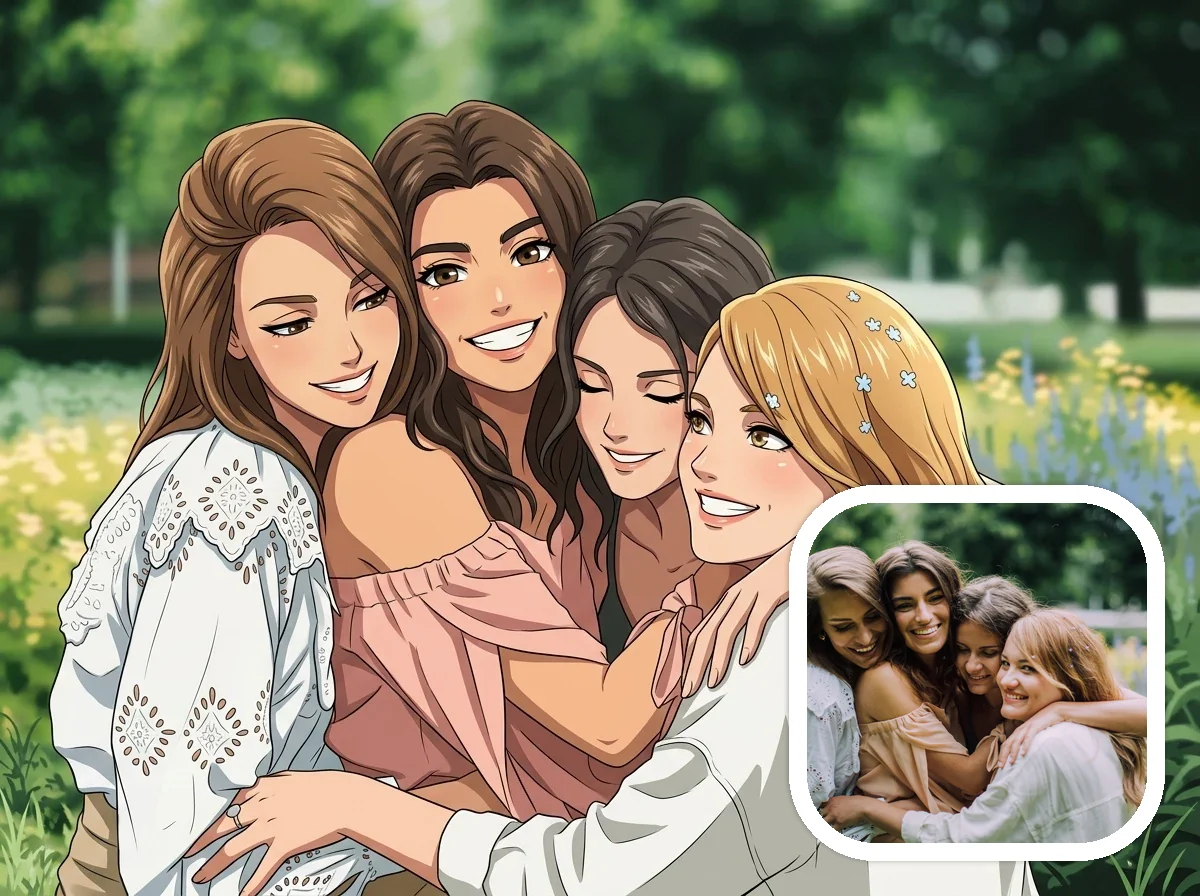
Convert Couple Photos to Anime
Couple and friendship photos work well when both subjects are well lit and easy to identify, helping the result keep the feeling of the original moment.
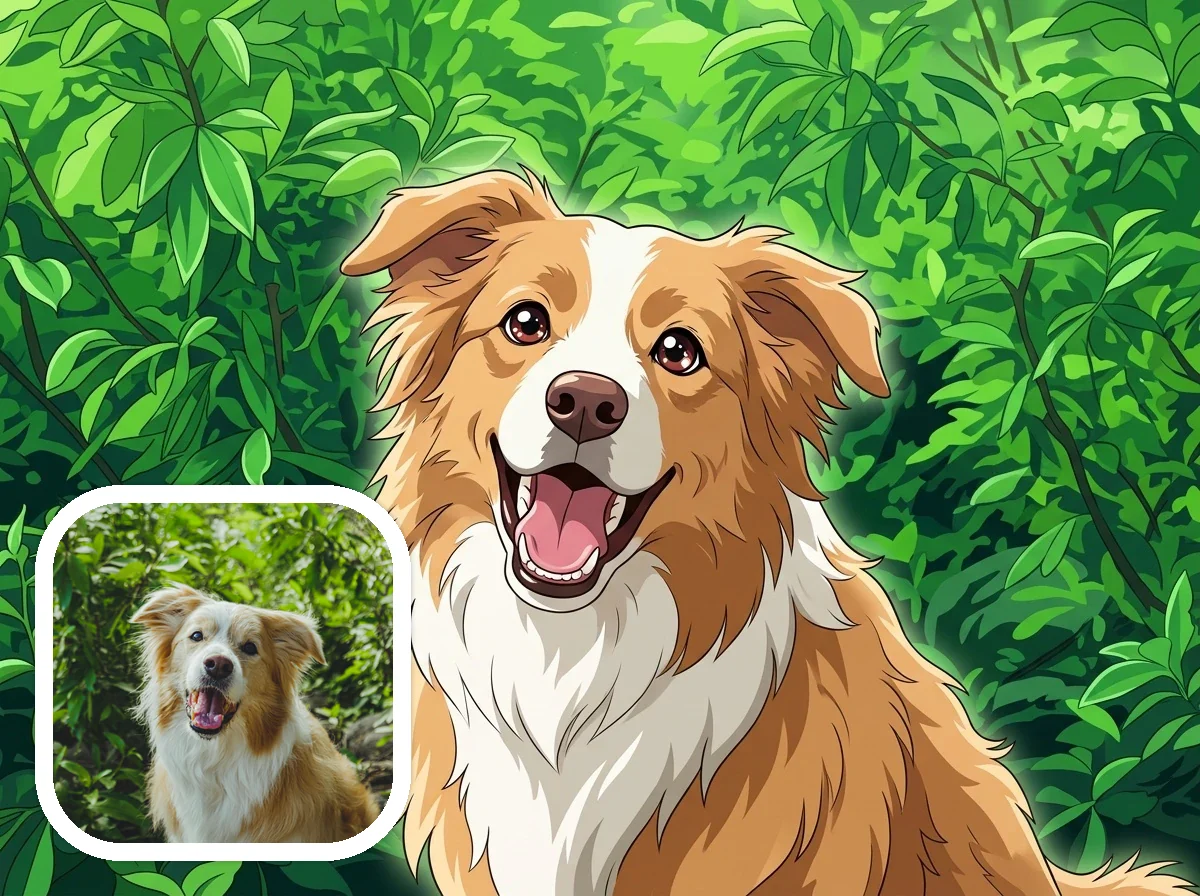
Use Photo to Anime for Pets
Pet photos are a strong fit when the animal is well lit and separated from the background, which helps the final anime look stay recognizable and expressive.
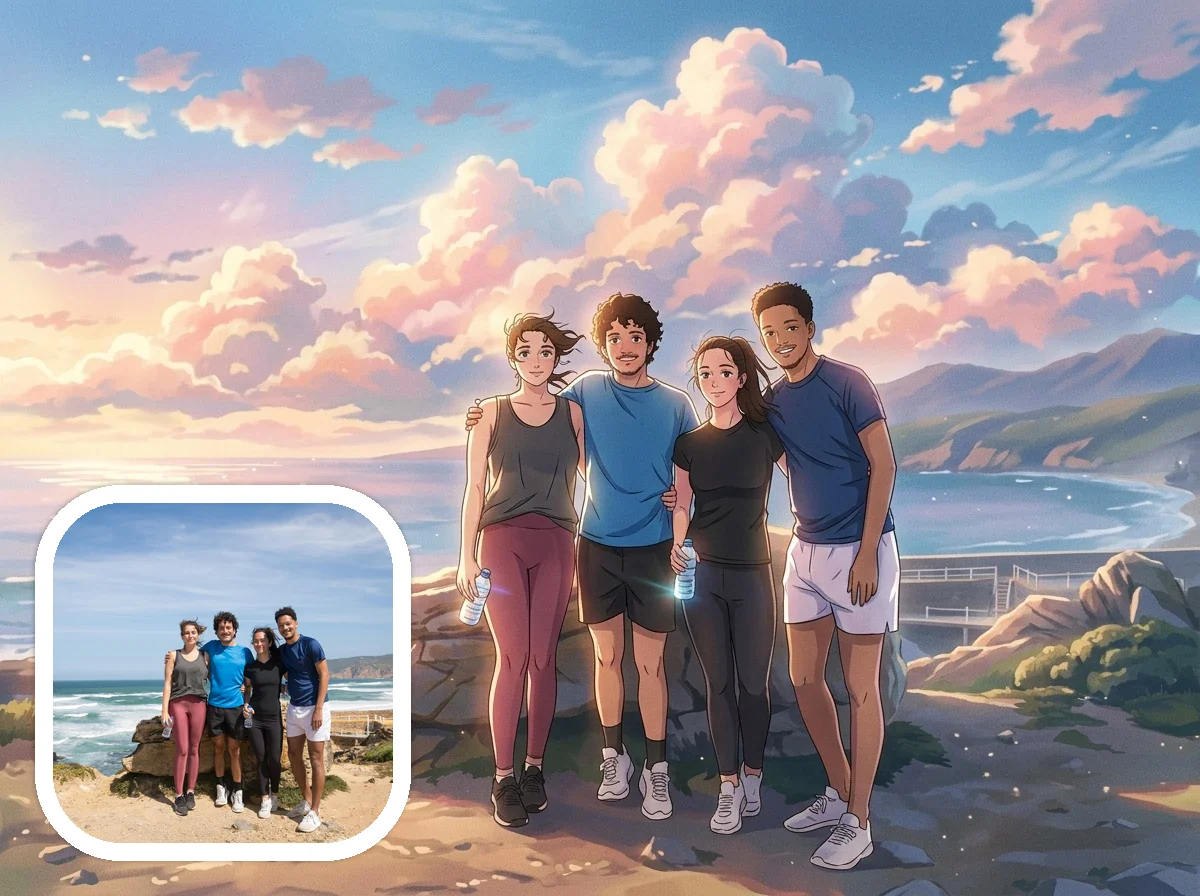
Turn Travel Photos Into Anime Scenes
Travel and lifestyle shots can convert well into anime scenes when there is one clear subject, readable lighting, and enough background context to keep the image cinematic.
How to Turn a Photo Into Anime
Start with one clear photo, choose an anime style, and generate a result you can preview and download from the same source image.
Upload your photo
Start with a clear JPG, JPEG, PNG, or WebP image. Portraits, selfies, pets, and simple travel photos usually work best.
Choose an anime look
Pick a visual direction that fits your photo, from softer illustrated scenes to playful or retro anime-inspired results.
Add extra details if needed
Use optional instructions to steer the result when you want more control over mood, background adjustments, or visual elements.
Generate and download
Create your anime-style image, review the output, and download the version you want to keep or share.
A Better Way to Turn Photos Into Anime
When you turn a real photo into anime art, the goal is not just to apply a filter. You want a result that still feels like your original photo, gives you some control, and looks good enough to keep.
Your main subject still feels recognizable
A clear portrait, pet photo, or travel shot gives the model enough detail to keep the subject, mood, and overall composition feeling close to your original image.
You get more control than a one-tap filter
Choose a style, adjust the aspect ratio, add optional instructions, and test more than one output when you want a stronger anime result.
You can try different anime directions from the same photo
Use the same source image to test softer illustrated looks, playful anime treatments, or more stylized results without starting over from scratch.
Best Photos to Convert Into Anime
Clear, well-lit images with a visible subject usually produce the strongest anime-style results. Busy backgrounds, motion blur, and very dark photos are harder for the model to preserve cleanly.
- Portraits and selfies
- Couple photos
- Pet photos
- Travel photos with a clear subject
- Profile-picture candidates
What Anime Styles Can You Try
AnimeGen supports multiple anime-inspired and stylized looks. This page focuses on the core photo-to-anime workflow, while individual style pages go deeper into specific aesthetics.
- Soft illustrated anime-inspired scenes
- Retro and playful character looks
- Chibi-style stylization
- Watercolor, pixel art, and comic-like variations
See How Your Photo Looks in Anime Style
Upload a clear photo, choose a style, and see how your original image translates into anime art with free credits.
Turn a Photo Into AnimePhoto to Anime FAQ
Focused answers about which photos work best, how much control you get, and what happens after you generate.
Start With One Photo
Try a portrait, pet photo, or travel shot and create an anime-style result from your original image.
Upload a Photo to Start